











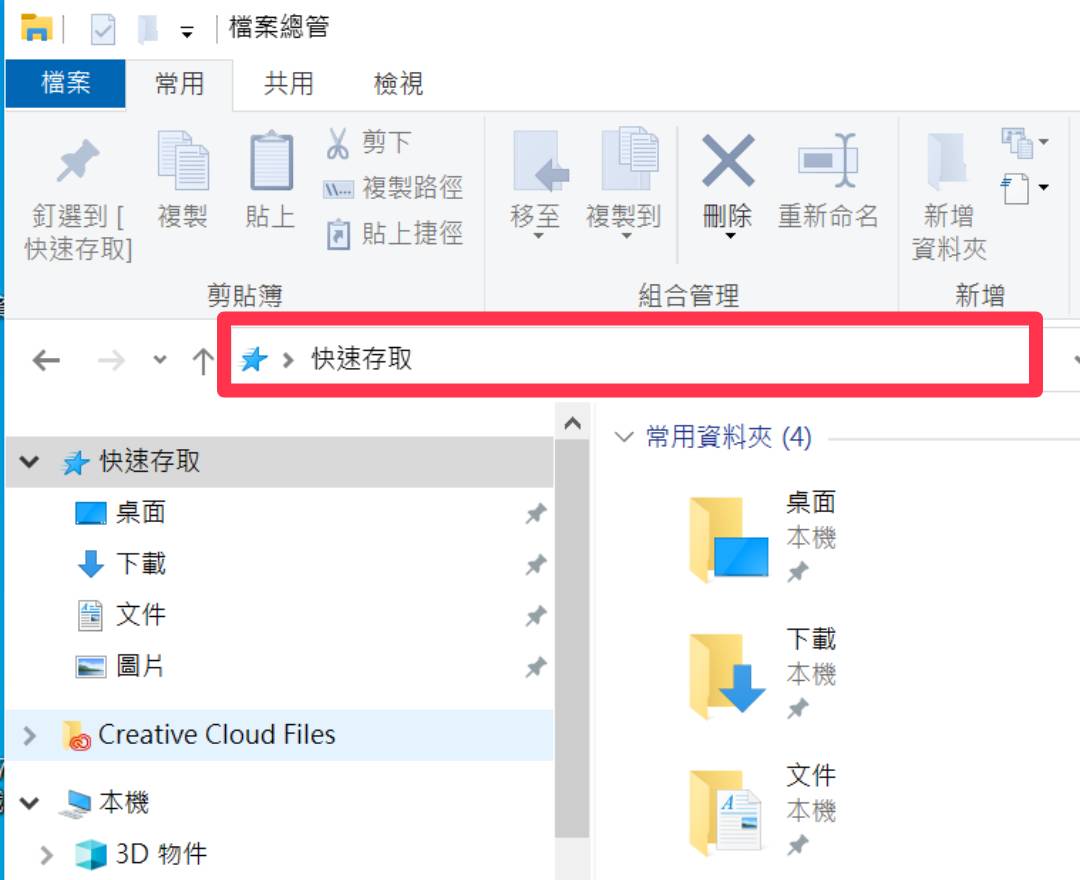
1. 在檔案總管裡選取「快速存取」輸入網址 In your file manager search bar, Enter the webiste ftp://download.wzu.edu.tw/
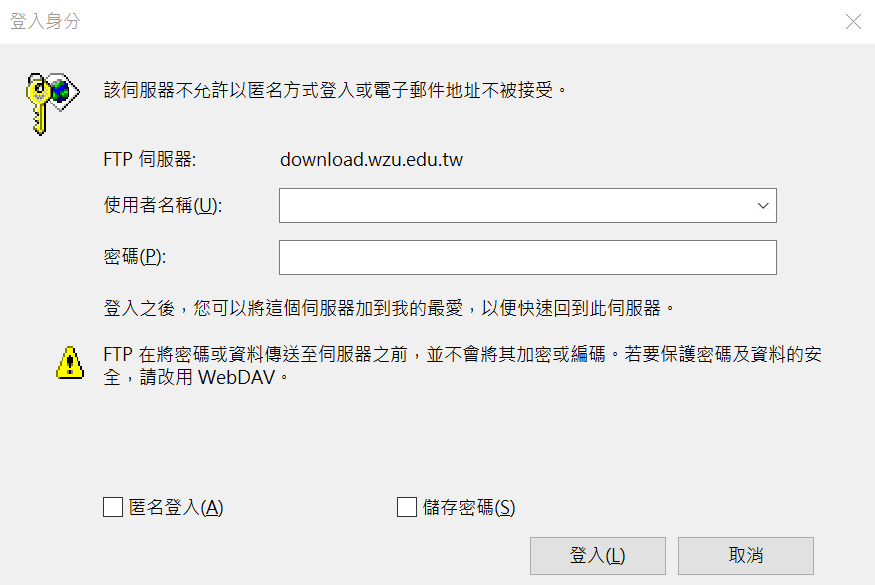
2. 輸入校務資訊系統帳號密碼 Log in with your school system account ID and password
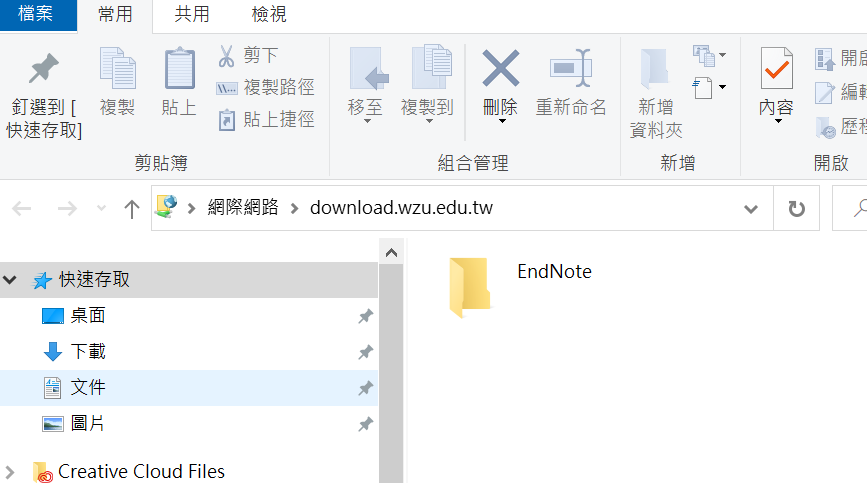
3. 找到EndNote軟體載點 Click EndNote to download
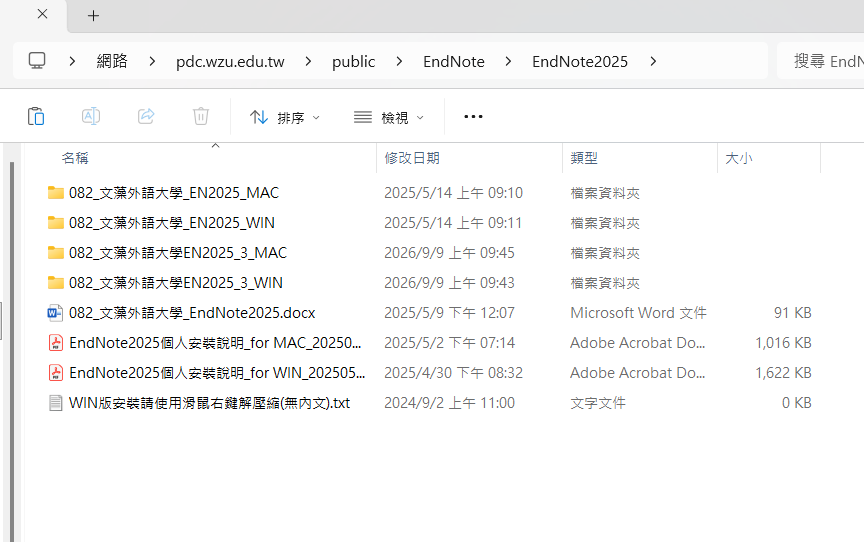
4. 下載軟體和安裝說明 Download EndNote and user's guide
PPT For Training Course

說明會簡報